


USB-A vs USB-C: What’s the Difference and Which Cable Do You Need?
A clear comparison of USB-A and USB-C connectors, charging, data transfer and cable compatibility.
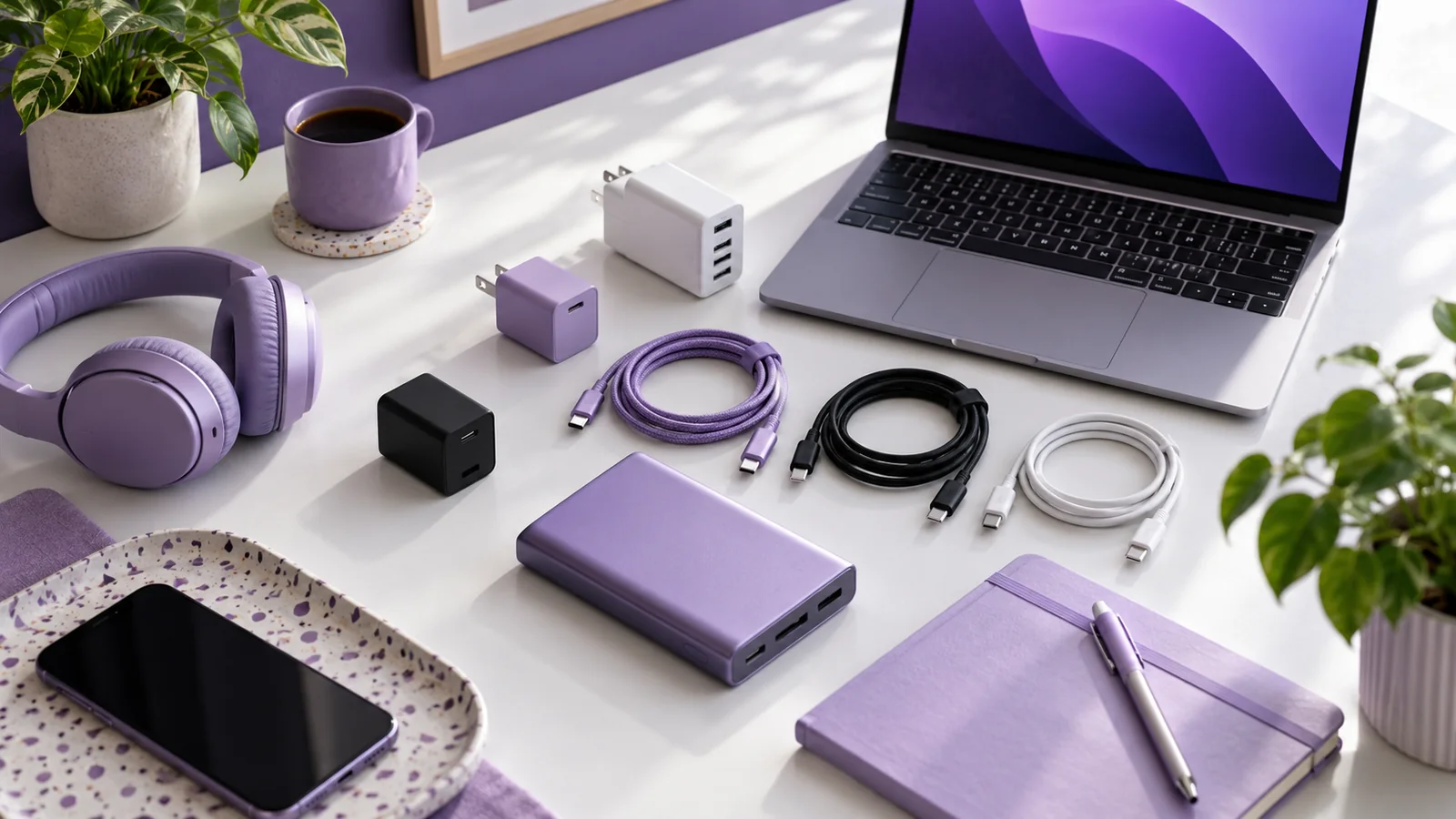
If you've ever searched for a charging cable, you've probably come across terms like USB-A, USB-C, Type-C, USB-C to USB-C and USB-A to USB-C.
At first, they can seem confusing.
Are USB-A and USB-C different types of cables? Is USB-C automatically faster? Does every USB-C cable support fast charging? And which cable should you actually buy?
The short answer is:
USB-A and USB-C primarily describe connector types, but the capabilities of a cable depend on much more than the shape of the connector.
USB-IF notes that USB-C cables can have different power and data capabilities, and that users need to select cables appropriate for their particular setup.
Let's understand the difference.
What Is USB-A?
USB-A is the familiar rectangular USB connector that has been used on computers, chargers, power adapters and other devices for many years.
You may have seen it on:
Older phone chargers
Desktop computers
Laptops
Power banks
USB hubs
Car chargers
Other electronics
A USB-A connector has a fixed orientation, meaning it needs to be inserted in the correct direction.
USB-A can still be useful for many charging and connectivity applications, particularly when paired with newer device-side connectors such as USB-C.
What Is USB-C?
USB-C, officially referred to as USB Type-C, is a newer connector design created for modern electronics.
One of its most recognizable features is its reversible connector. Unlike traditional USB-A, you don't need to worry about which side is facing up when inserting a USB-C plug.
USB-IF describes USB Type-C as a connector ecosystem designed for newer, thinner devices while supporting scalable power and performance.
USB-C is now commonly found on:
Smartphones
Tablets
Laptops
Power banks
Chargers
Headphones and earbuds
Monitors
Other modern electronics
But there's an important point:
USB-C is a connector type, not a guarantee of a specific charging speed or data-transfer speed.
Different USB-C cables can have different capabilities.
USB-A vs USB-C at a Glance
The important takeaway is that the connector alone doesn't tell you the complete performance of a cable.
USB-A vs USB-C: The Biggest Difference
The most obvious difference is the connector.
But from a user's perspective, there are several practical differences.
1. Connector Design
USB-A has a rectangular connector with a specific orientation.
USB-C uses a smaller, reversible connector.
That makes USB-C particularly convenient for smartphones and other compact devices.
2. Power Delivery
USB-C can support USB Power Delivery when the charger, cable and device are compatible.
USB Power Delivery enables flexible power delivery and allows compatible devices to negotiate the power they require. USB PD 3.1 supports power delivery up to 240W over appropriate full-featured USB Type-C connections.
This has made USB-C increasingly useful for everything from smartphones to higher-power devices.
However, not every USB-C cable supports every available power level.
USB-IF specifically identifies different power capabilities for USB-C-to-USB-C cables, including 60W and 240W certified cable categories.
3. Data Transfer
USB cables can also differ significantly in their data-transfer capabilities.
This is another reason you shouldn't assume:
"USB-C = fastest."
The USB-C connector can be used with different USB standards and cable capabilities.
For example, USB 3.2 can support data-transfer rates up to 20Gbps in appropriate implementations.
But a USB-C cable doesn't automatically support 20Gbps just because it has a USB-C connector.
The cable, devices and supported USB implementation all matter.
4. USB-A to USB-C vs USB-C to USB-C
This is one of the most common questions when buying a charging cable.
USB-A to USB-C
One end has a USB-A connector and the other has USB-C.
Typical setup:
USB-A charger → USB-C smartphone
This can be useful when your existing charger or power source has a USB-A port.
USB-C to USB-C
Both ends have USB-C connectors.
Typical setup:
USB-C charger → USB-C smartphone
This configuration is increasingly common with modern charging equipment.
It can also support USB Power Delivery and higher power levels when the charger, cable and device are compatible.
Does Every USB-C Cable Support Fast Charging?
No.
This is one of the biggest misconceptions about USB-C.
Two cables can both have USB-C connectors but support different capabilities.
For example, they may differ in:
Power rating
Data-transfer speed
USB generation
USB PD support
Cable construction
Certification/compliance
USB-IF explicitly states that cables do not all have the same capabilities.
So when buying a USB-C cable, don't look only at the connector.
Look at the actual specifications.
Does Every USB-C Cable Support 100W or 240W?
No.
USB Power Delivery has evolved to support higher power levels, including up to 240W with appropriate USB-C implementations. But the cable needs to support the required power capability.
USB-IF's current guidance identifies 60W and 240W power markings for certified USB-C-to-USB-C cable categories.
That means a USB-C connector by itself doesn't tell you whether the cable is suitable for high-power charging.
Always check:
Cable power rating + charger output + device requirements
Why the Cable Matters for Fast Charging
Imagine you have:
A 65W charger
A smartphone that supports fast charging
A cable with insufficient capability
The charger may be capable of delivering high power, but the complete charging setup still depends on the capabilities of the cable and device.
This is why a fast-charging system should be considered as three connected components:
Charger → Cable → Device
All three need to be compatible with the intended charging setup.
What About Data Transfer?
Charging isn't the only job a USB cable can perform.
Depending on the cable and devices involved, USB can also be used for:
File transfers
Connecting smartphones to computers
External storage
Peripherals
Displays and docking applications
Other data connections
USB 3.2, for example, defines multiple transfer rates, including 5Gbps, 10Gbps and 20Gbps.
But again, USB-C does not automatically mean high-speed data transfer.
Always check the cable's stated data capability if file-transfer performance matters to you.
How to Choose the Right USB Cable
Before buying a cable, ask yourself five questions.
1. What connector does my device use?
Check whether your smartphone or other device has:
USB-C
Micro-USB
Lightning or another connector
2. What connector does my charger use?
Your charger may have:
USB-A
USB-C
Multiple ports
The cable needs to match both ends.
3. How much charging power do I need?
If you're using a fast charger, check the cable's supported power capability.
For higher-power USB-C charging, look for clearly stated power specifications.
4. Do I need fast data transfer?
If you're regularly moving large files between devices, check the cable's supported data-transfer specification rather than assuming all USB-C cables perform the same way.
5. How long should the cable be?
Common cable lengths include:
1 metre
1.5 metres
2 metres
Longer options for specific applications
A shorter cable can be convenient for portable use, while a longer cable may be more practical for desks, bedsides or other setups where the power source is further away.
USB-C to USB-C vs USB-A to USB-C: Which Should You Choose?
There isn't one cable that's right for everyone.
Choose USB-C to USB-C when:
Your charger has a USB-C port
Your device has USB-C
You want to use compatible USB PD charging
You need a modern, versatile connection
Choose USB-A to USB-C when:
Your existing charger has USB-A
Your power bank has a USB-A output
Your computer or other power source uses USB-A
You need compatibility with existing equipment
The right choice depends on the ports and capabilities of your devices.
What About Micro-USB?
Although USB-C is increasingly common, Micro-USB is still found on some older or specific electronics.
You may encounter Micro-USB on:
Older smartphones
Older power banks
Bluetooth accessories
Small electronics
Other legacy devices
If your device uses Micro-USB, you need a compatible cable even if your charger uses USB-A or USB-C.
For example:
USB-A to Micro-USB
or
USB-C to Micro-USB
The important thing is to check the connector on the device before buying.
What About USB-C to Lightning?
Some older Apple devices use Lightning rather than USB-C for the device-side connection.
In that situation, you may need a cable such as:
USB-C to Lightning
or
USB-A to Lightning
depending on the charger or power source.
The principle remains the same:
Check both ends of the connection before choosing the cable.
Common Cable-Buying Mistakes
Mistake 1: Assuming USB-C Means Fast Charging
USB-C describes the connector. It doesn't guarantee a specific power capability.
Mistake 2: Ignoring Cable Specifications
A cable's power and data capabilities matter.
Mistake 3: Buying Based Only on Appearance
Two cables can look almost identical while having different technical capabilities.
Mistake 4: Using an Inappropriate Cable With a Fast Charger
A high-output charger doesn't guarantee high-speed charging if the rest of the setup isn't compatible.
Mistake 5: Assuming All USB-C Cables Transfer Data at the Same Speed
USB-C cables can have different data capabilities. USB-IF provides specific requirements and markings for compliant cables.
A Simple Cable-Buying Checklist
Before purchasing a cable, check:
1. Connector Type
USB-A, USB-C, Micro-USB or another connector?
2. Cable Configuration
USB-A to USB-C? USB-C to USB-C? USB-C to Micro-USB?
3. Power Rating
Does the cable support the charging power you need?
4. Data Capability
Does it support the data-transfer speed you require?
5. Device Compatibility
Is it suitable for your smartphone or other device?
6. Build Quality
Is it designed for regular everyday use?
7. Product Specifications
Are the specifications clearly stated?
DZIVE Cable Range
Connectivity for Different Requirements
DZIVE's product catalogue includes a broad selection of cable configurations and power specifications.
The range includes 3-in-1 cables, Micro-USB cables, USB-C cables, USB-C to USB-C cables, USB-C to iPhone cables and other charging/data cable configurations, with models listed at different power ratings.
This allows businesses to explore different cable types according to their customers' device compatibility and charging requirements.
The broader DZIVE portfolio also includes chargers, power banks, neckbands, USB hubs, HDMI cables and Wi-Fi dongles.
Final Thoughts
The difference between USB-A and USB-C isn't simply about which connector is newer.
The real question is:
What does your device need?
When choosing a cable, consider:
Connector + Power + Data + Compatibility + Quality
USB-C offers a modern, reversible connector and can support advanced power and data capabilities, but not every USB-C cable provides the same performance. USB-IF specifically notes that cable capabilities vary and recommends selecting cables according to the requirements of the particular USB environment.
So before buying your next charging cable, don't just look at the connector.
Check the specifications.
Explore the DZIVE range
Compare products across charging, power, audio and connectivity, or contact our team with your requirement.